VRChat settings
Interact settings
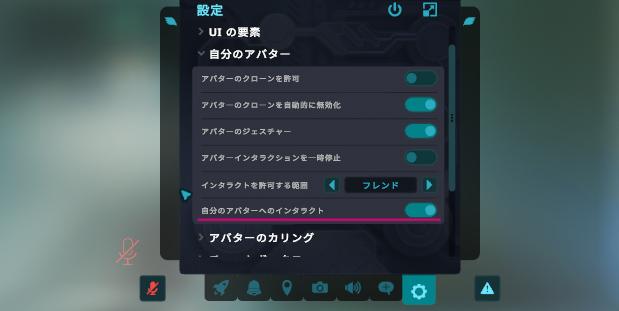
Check that Settings / Your Avatar / Interact With Your Own Avatar is on in the Launch Pad. If it is not, turn it on.
Settings for full-body tracking
If you use this product with six-point or greater full-body tracking, set the tracking and IK / spine mode to "Head lock" or "Spine lock".
OSC settings
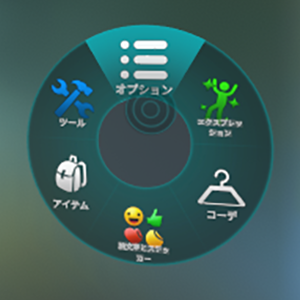
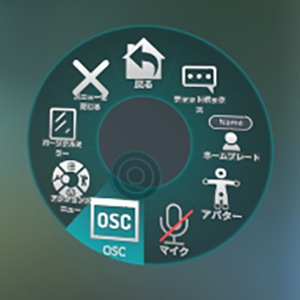
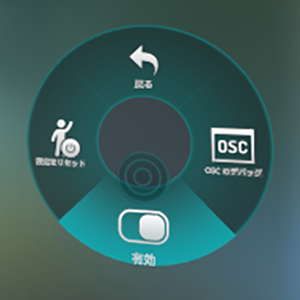
Check that OSC is enabled. Open the Quick Menu and check Options / OSC / Enabled. If it is not enabled, enable it.